Construction Trucks Hidden
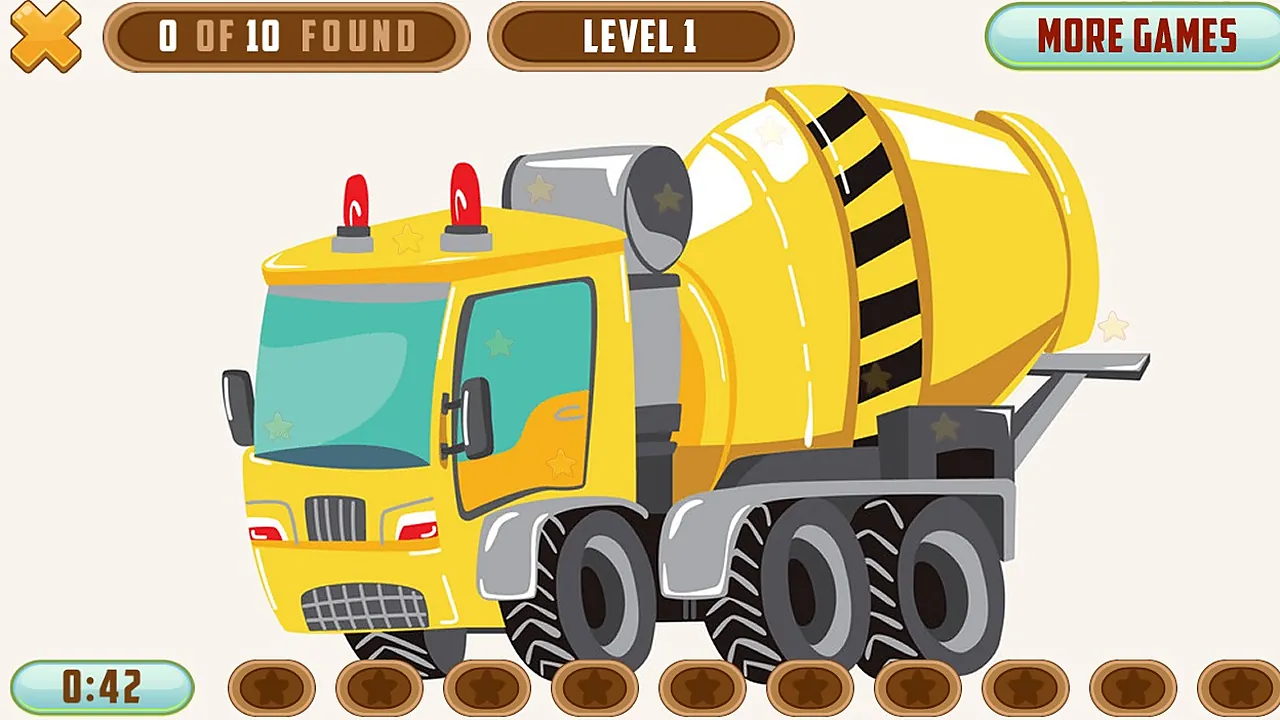
Patient players who enjoy scanning a picture for small details will feel at home here. A yellow cement mixer is on screen, and the job is to find the hidden items on it.
Look closely. A counter shows how many items you have found, starting at 0 of 10, and a row of ten star slots and a timer are on screen.
Level 1 is where you begin. You click with the mouse or tap the screen, and the rest is searching the picture.
How to play
You control a single pointer, either the mouse cursor or your fingertip, and you use it to search the truck picture. Take your time with the first finds.
- Scan the truck picture for the hidden stars.
- Click or tap a star when you spot it.
- Watch the counter climb from 0 of 10 found.
- Find all ten to finish the level.
- Keep an eye on the timer while you search.
Controls
| Input | Action |
|---|---|
| Mouse click | Select a spot on the picture where you think a star is hidden |
| Screen tap | Same as a click on touch screens |
Tips
- Sweep the picture in a fixed order, from one side to the other, so you do not search the same area twice.
- Check the lighter areas of the picture, where a small item can blend in.
- Focus on edges and joins, because small shapes tend to hide where parts meet.
- Click or tap carefully rather than at random.
Screenshots
Our take
The game is one search, with a mouse click or a tap as the only action, so it suits players who like a calm hunt for small details. The counter and the row of ten star slots make progress easy to follow. Players who want action may find it slow. The mouse and the tap both work for the same search, so either one suits it.
Frequently asked questions
What mistakes do new players make most often?
A common problem is searching only the middle of the picture and skipping the edges. Searching in a fixed order helps you cover the whole picture.
Do I need a keyboard?
No. You play with a mouse click or a tap on the screen, and no key is used.