Ready Driver
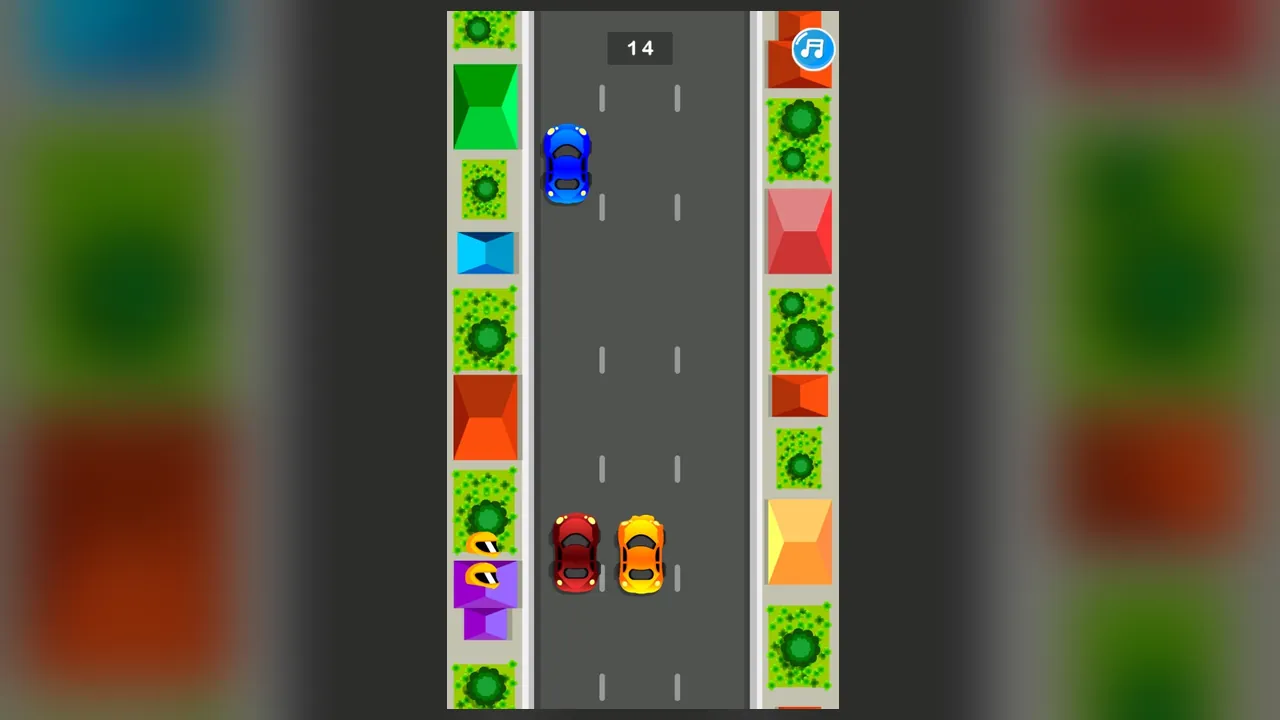
One tap, one lane change. That is the whole control scheme, and everything else in Ready Driver comes down to deciding when to use it.
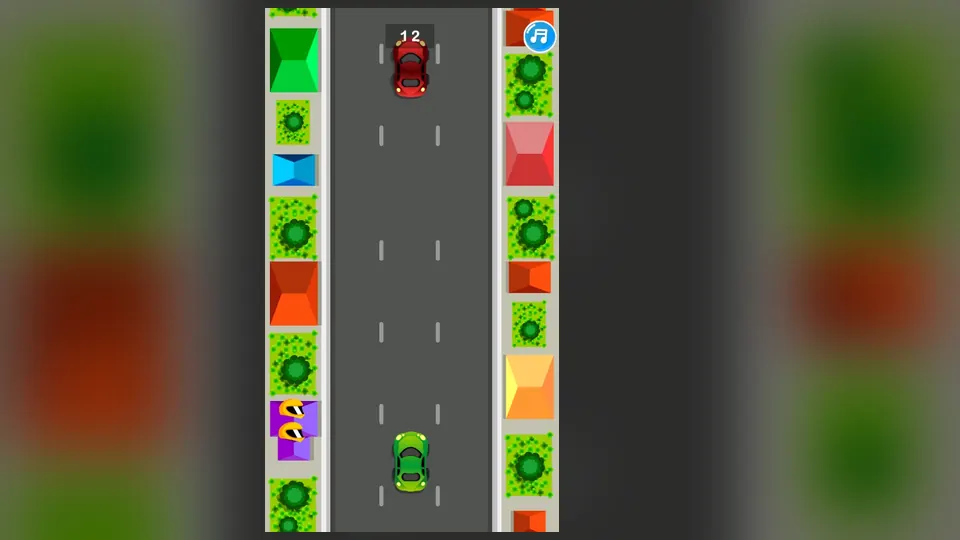
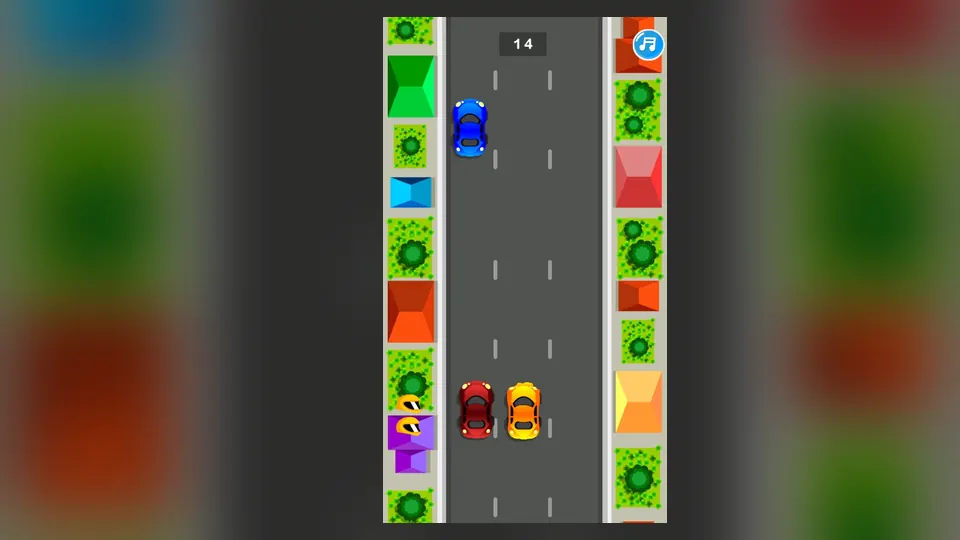
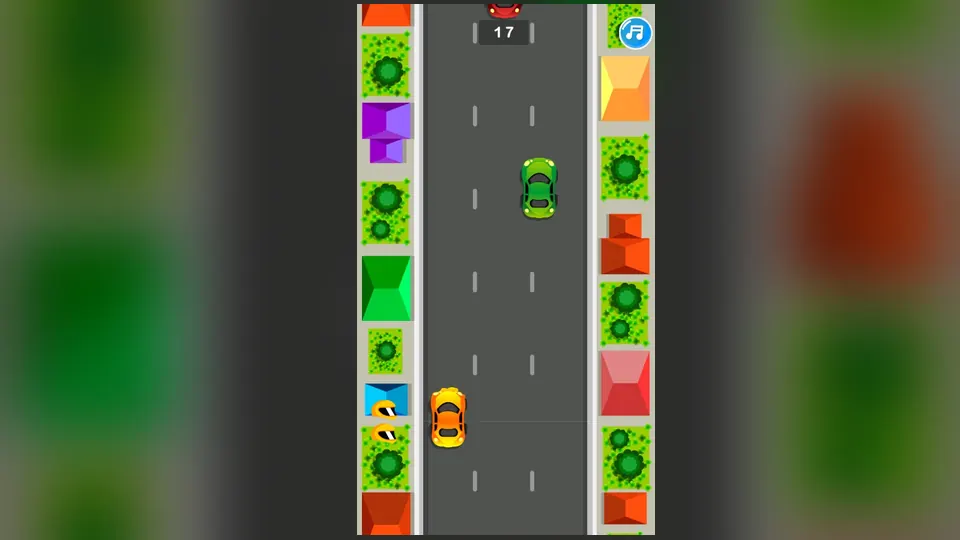
The road runs from the bottom of the screen toward the top, seen from above, with three lanes and rooftops along the edges. Other cars share those lanes and switch between them without warning, so a gap that looks open can close quickly. A counter ticks upward as the round goes on.
Apart from the counter, you are watching cars, reading the gaps between them and picking lanes.
How to play
Tap the screen to move your car to the next lane, and do it before a car gets close. The job is to keep driving without touching any other car or obstacle. The counter rises as the round goes on, so a longer run means a higher number.
- Each tap changes the lane of your car.
- Other cars may change lanes without warning, so check the road again after every tap.
- Touching a car or an obstacle ends the run.
Controls
| Input | Action |
|---|---|
| Tap on screen | Moves your car to another lane |
Tips
- Look two cars ahead, not only at the one in front of you. The swerve that catches you can come from further up the road.
- Tap once, then look before you tap again. A second tap made in a hurry can drop you straight back into the lane you just left.
- Prefer the middle lane when the road is quiet, because it leaves you a way out to either side.
- Ignore the rooftops at the edges, since watching them costs you time you need for the traffic.
Screenshots
Our take
A phone held upright is the natural fit, since the whole game is taps on a tall portrait screen with no keys to learn. It suits the player who likes a quick read-and-react loop and does not mind that the view stays the same: one road, three lanes, a counter. Someone who wants cars that handle differently, a track to learn or things to unlock will find little to chase here and should look at the track racers instead. The limit is variety, not difficulty.
Frequently asked questions
How do the touch controls work?
You tap the screen and your car moves to another lane. There is no wheel, pedal or button to hold.
How long does a round last?
It lasts until your car meets another car or an obstacle. While you keep finding gaps, the counter keeps rising.