Wrong Side Driving Car Game
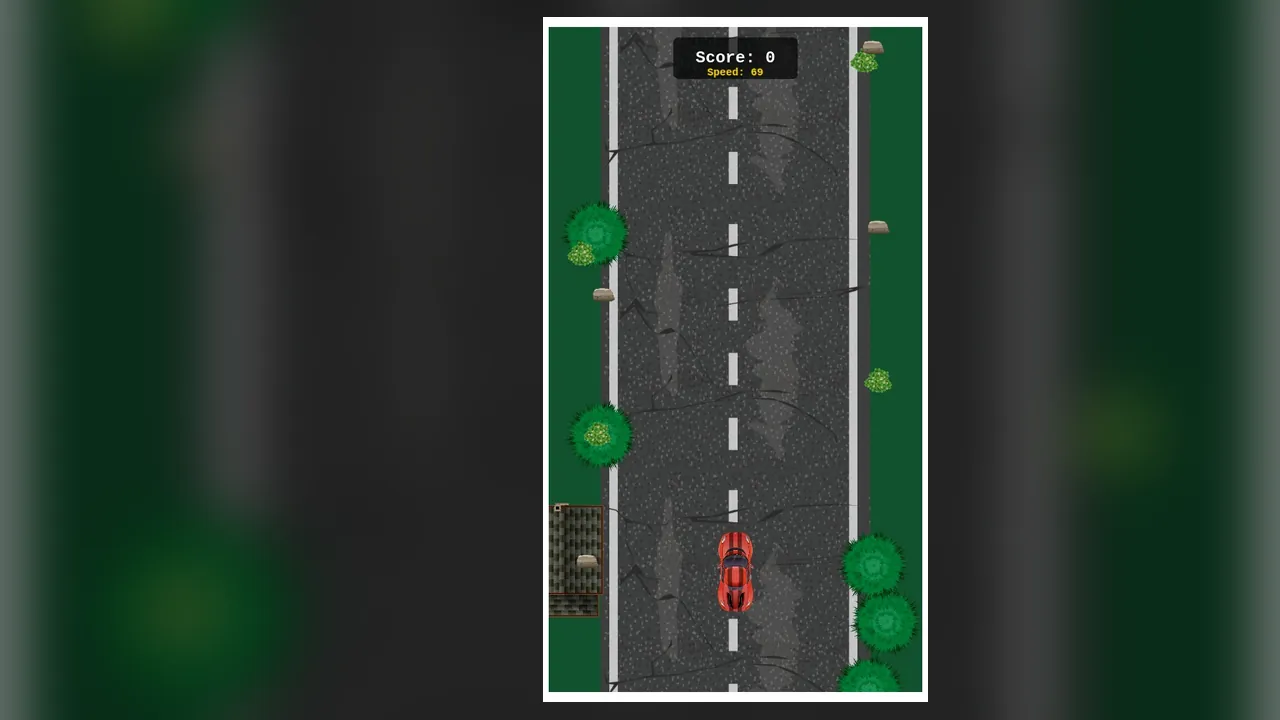
How long can you stay in the lane that nobody should be in? That question comes up fast. You drive a red sports car up a cracked road, and the traffic you meet is coming straight at you.
The top of the screen shows a score and a speed readout. Speed climbs the longer you survive, and the road gives you less time to choose a side. Power-ups are there to collect on the way. One mistake ends the run with a crash, so each round is a short test of reflexes.
How to play
- First, start a run and look at the score and speed readout at the top; the score begins at zero.
- Then keep the car on the road and move it left or right through the arrow controls, or by tapping the left or right side.
- Steer around oncoming traffic as it comes down the road.
- Pick up power-ups when they are safe to reach.
- Keep going as the speed rises; a collision ends the run.
After a crash you can start again and try to last longer than before.
Controls
| Input | Action |
|---|---|
| Left arrow key | Move the car to the left |
| Right arrow key | Move the car to the right |
| Tap left | Steer left on a touch screen |
| Tap right | Steer right on a touch screen |
Tips
- Make small moves ahead of time, because a late, big swerve leaves no room to correct.
- Look far up the road rather than at your own car, since oncoming traffic arrives sooner as speed rises.
- Pick up power-ups only when the path to them is clear; a missed one costs less than a crash.
- Stay near the middle of the road when the way ahead is open, so you can go either side.
Screenshots
Our take
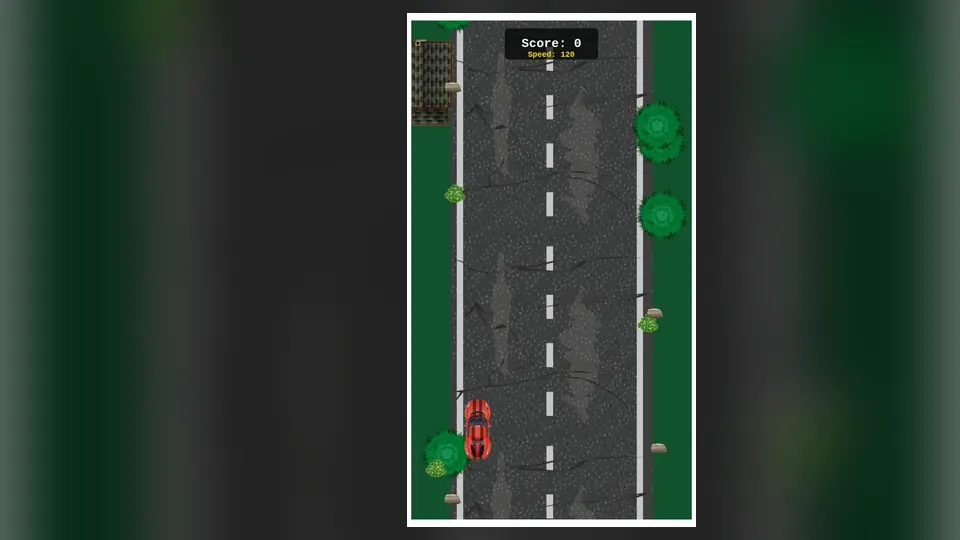
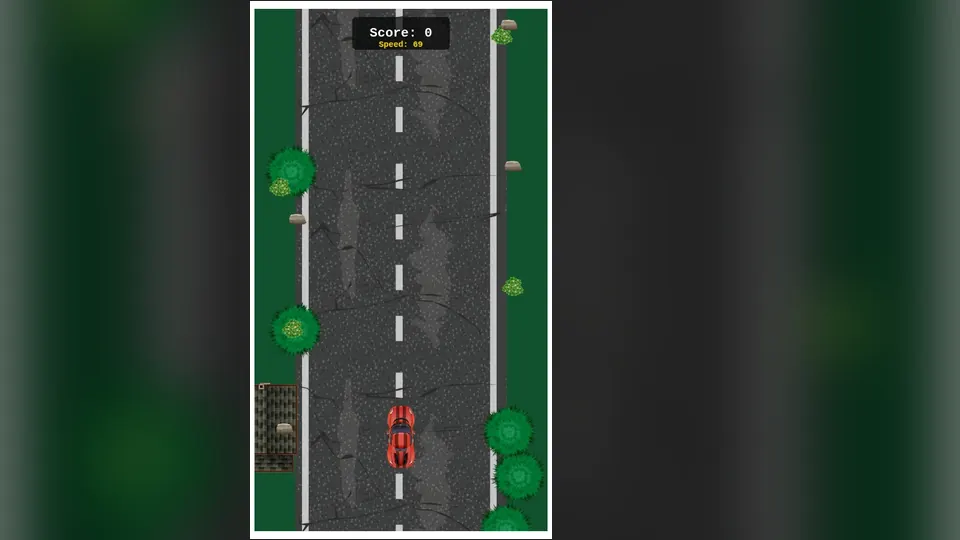
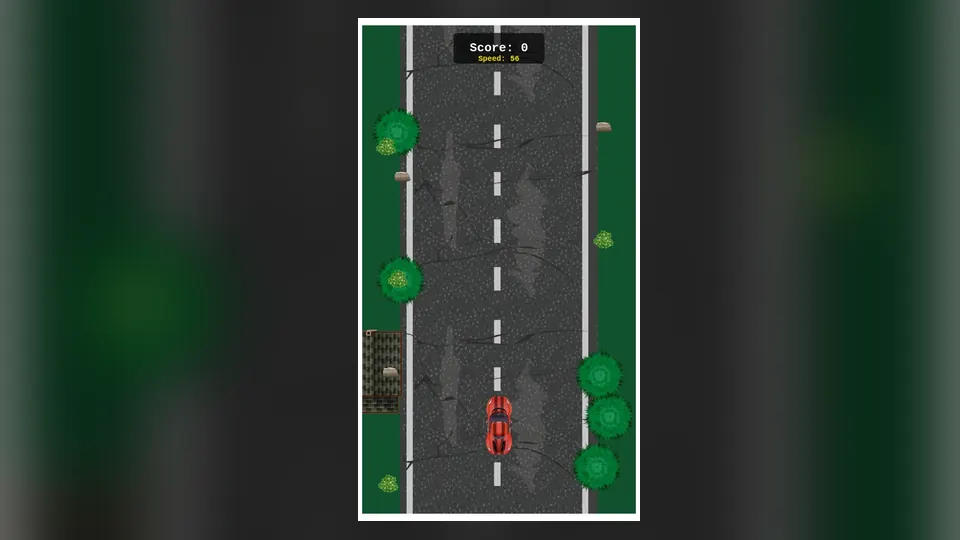
The look is plain and works in its favour. A cracked road and a red car keep the screen uncluttered, and the score and speed readout stay easy to find. Players who like short, repeatable runs will enjoy it. Anyone who wants circuits or lap times should look elsewhere, because the core job is simply to stay alive. Tapping works on a touch screen.
Frequently asked questions
What do beginners get wrong?
Over-steering. A big swerve at the last moment often puts the car in the path of the next vehicle. Small, early corrections work better.
Keyboard or touch, which is better?
Both work. Use the left and right arrow keys on a computer, or tap the left and right side on a touch screen.