How to weave through traffic without crashing
Why late swerves end runs
You are doing well, then a car slides into the lane you meant to take and the run is over. Deciding too late is the habit that many dodging games punish. This guide covers how to read a gap, when to commit to a lane change and where your eyes belong.
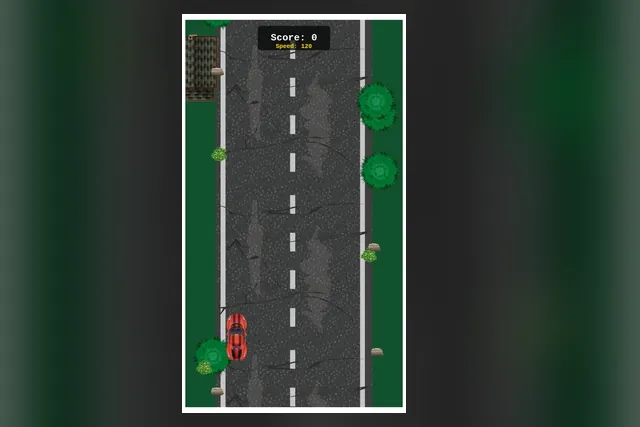
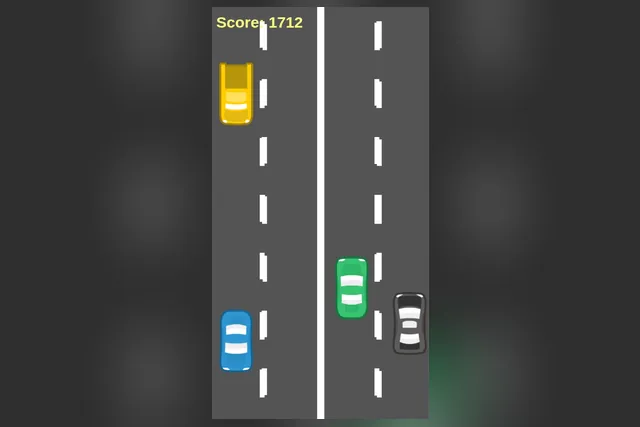
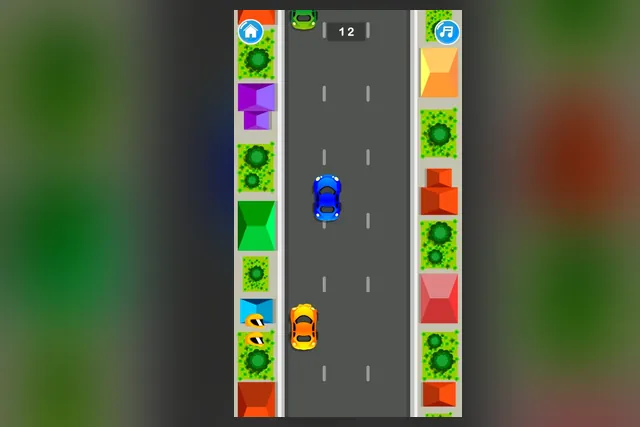
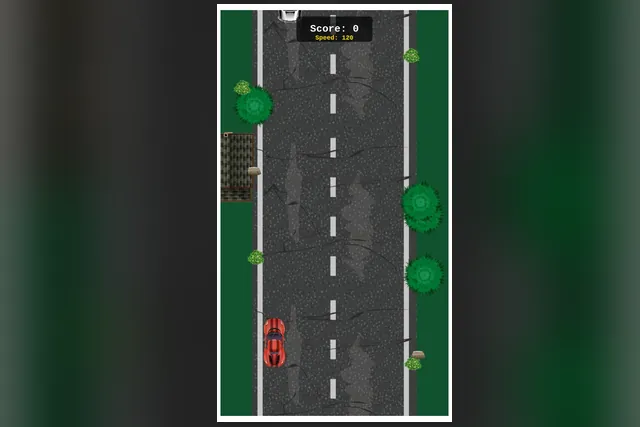
The games here differ in controls, but several share one problem: traffic that arrives faster as the run goes on. In Wrong Side Driving Car Game you dodge oncoming cars in a red sports car while the speed keeps rising. In Driving Traffic you overtake slower cars on a road seen from above, with a yellow score on screen. In both, the next lane is best chosen before the current one is clear.
Speed is the other half of the problem. Because the road gets faster and busier as a round goes on, a rhythm that worked at the start stops working, and your decisions have to come earlier. Plan to adjust your timing rather than hold on to your first guess.
Treat a gap as something that shrinks
A gap that was wide enough a second ago may already be closing. In Driving Traffic the advice is to leave room behind a car you have just passed, and to overtake on the side with the longer clear stretch rather than simply the nearest opening.
Bunched cars deserve a wide berth. Stay out of lanes where cars sit close together, because there is no room there to correct a mistake.
Change lanes sooner and with small nudges
In Wrong Side Driving Car Game, a late, big swerve leaves no room to correct, so the better habit is to move sooner and with small nudges. You steer with the left and right arrow keys, or by tapping the left or right side of the screen.
Use the first seconds of a run for practice. The score and speed readout at the top both begin low, which makes that stretch a gentle place to get a feel for how far one nudge takes the car.
Tap once, then look
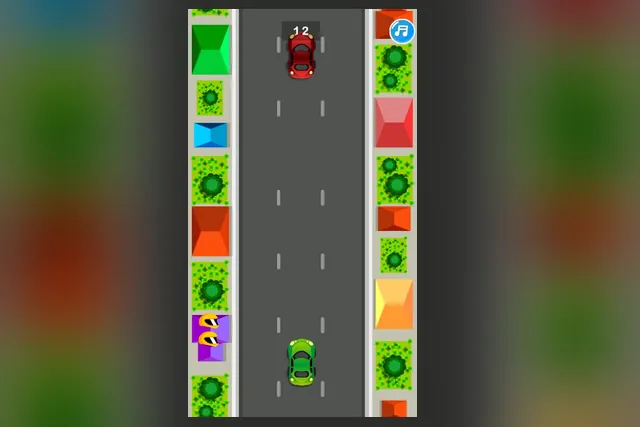
One-tap games add a trap of their own. In Ready Driver a tap moves your car over a lane, and a second tap made in a hurry can drop you straight back into the lane you just left. Fast Driver has a similar weakness: a click or tap sends the car right or left, and repeated panic taps can undo the move you just made. Tap, look, then decide.
Other cars in Ready Driver may change lanes without warning, which is why the road needs another check after every tap. Move across before the car ahead gets close, not once it is beside you.
Wait in the middle when the road is quiet
Sitting in the middle lane gives you both exits. Ready Driver and Fast Driver both suggest returning there when the road is clear, and Wrong Side Driving Car Game makes the same point about staying near the middle of the road when the way ahead is open. From the middle, either side is within reach.
Look further up the road
Your own car is already where you put it, so the useful information is ahead. Wrong Side Driving Car Game says to look far up the road, since oncoming traffic arrives sooner as speed rises.
Advice to look ahead repeats across the games, with a different distance each time. Ready Driver asks you to look two cars ahead, because the swerve that catches you can come from further up the road. Fast Driver asks for one car further ahead than feels necessary.
Scan wide before you commit
Before moving, take in the whole screen. In Driving Traffic that includes the lanes on the far side of the road, where a better gap may be waiting.
Ignore the scenery
Rooftops at the edges of Ready Driver are scenery, and watching them costs time you need for the traffic. The same discipline applies in Dangerous Racing, where the useful read is the next obstacle, not the one already beside you.
A check before every lane change
- Will the lane you want stay free for the next few moments, not just right now?
- Is there room behind the car you are passing?
- Can you get there with an early, small move instead of a big swerve?
- Do you already know which lane you want after this one?
Small risks that cost more than they pay
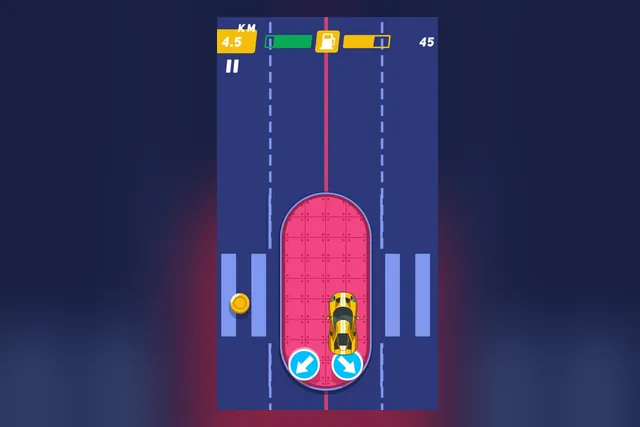
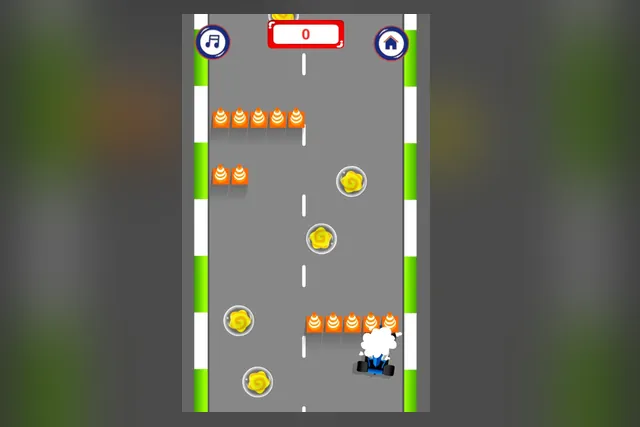
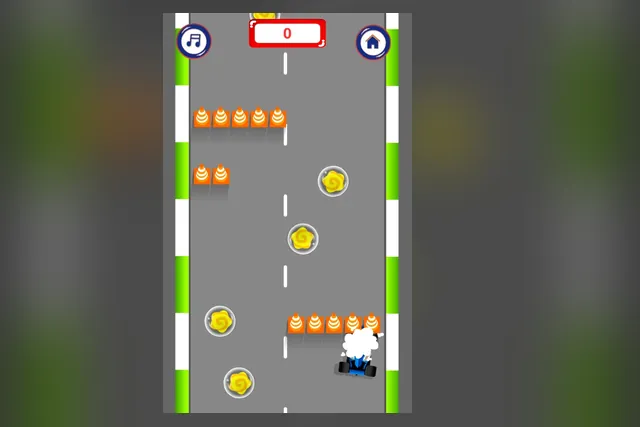
Pickups tempt you off a clean line. In Wrong Side Driving Car Game, power-ups are worth taking only when the path to them is clear, since a missed one costs less than a collision. Dangerous Racing suggests skipping coins that take you into an obstacle.
Fuel changes the sums in that game. The run ends when the fuel does, so detour for fuel when the gauge runs low, and hold a steady line on straight stretches so small corrections do not pile up.
Count your allowance
Fast Driver can take two collisions, and the third ends the run. Treat each as a warning: after the first, drive more cautiously, and reset your timing every few cars instead of trusting what worked at the start.
Learn from a failed run
Driving Traffic suggests treating a failed run as information. Note where the squeeze came from before you start again, and expect the road to get faster and busier so that your decisions need to come earlier.
Where to start
Ready Driver is the plainest way in, with one tap, one road and three lanes. Fast Driver also takes a tap or a click, and its collision allowance gives you a little room to learn the rhythm.
On a keyboard, Wrong Side Driving Car Game and Dangerous Racing both use the arrow keys, and Dangerous Racing also accepts the mouse. Driving Traffic suits the player who wants a score to chase, with cars and levels to unlock as the road gets faster.
Pick one and set a single rule for the first few runs: choose your next lane while the current car is still passing. Once that feels natural, try a different game and see how the same habit holds up.