Drift Bus
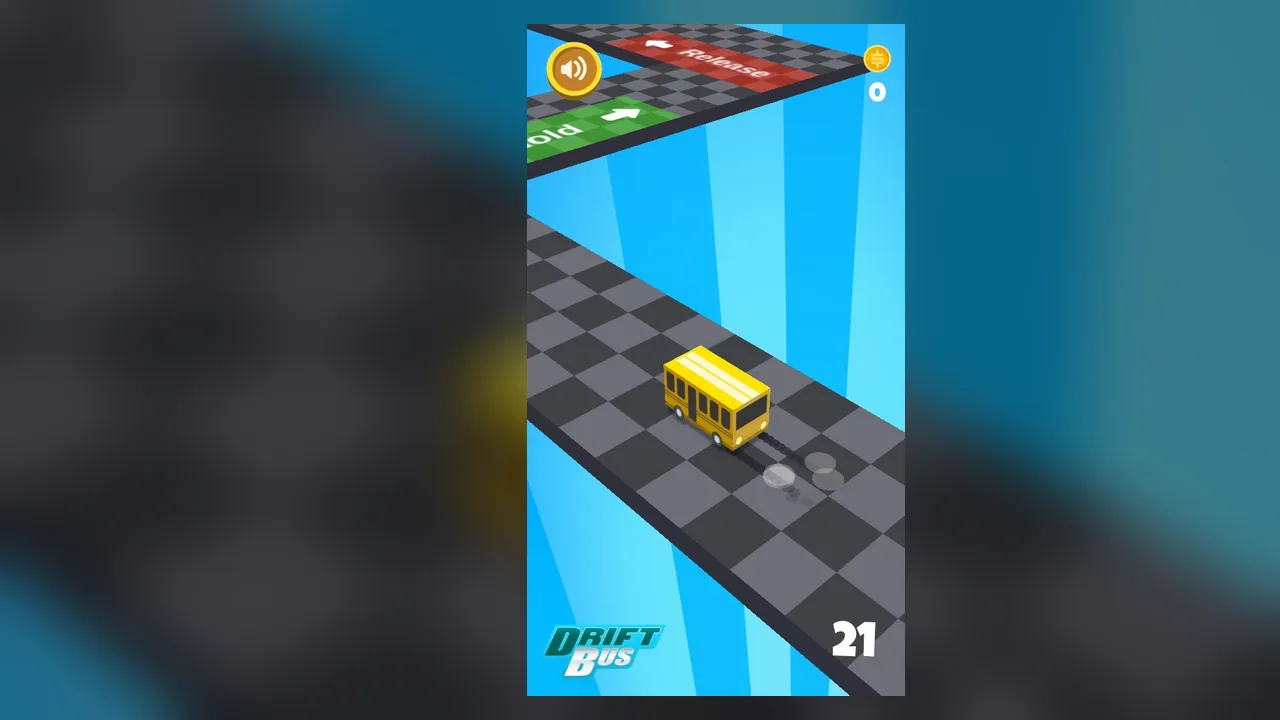
Tap and hold to make the bus skid around sharp corners. Tiles painted on the track show when to act, a green Hold tile and a red Release tile.
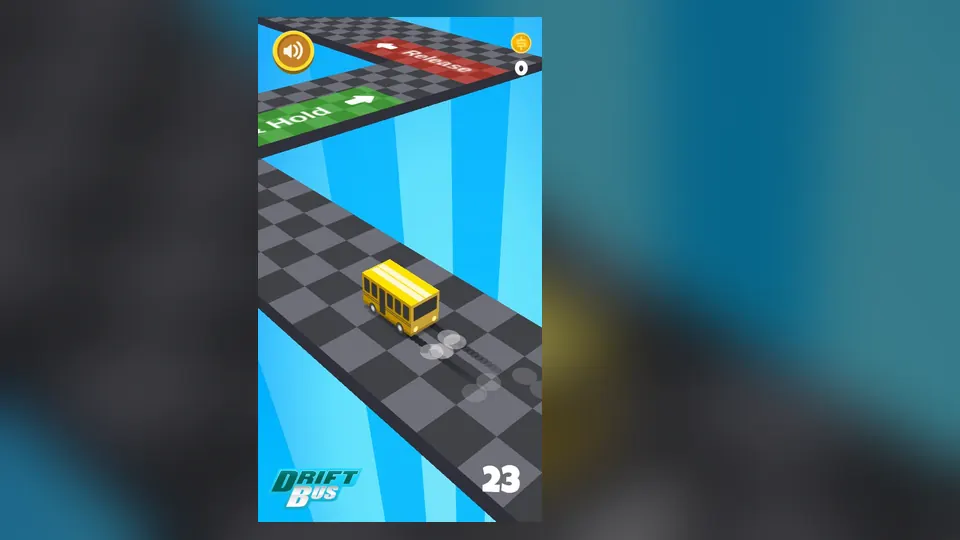
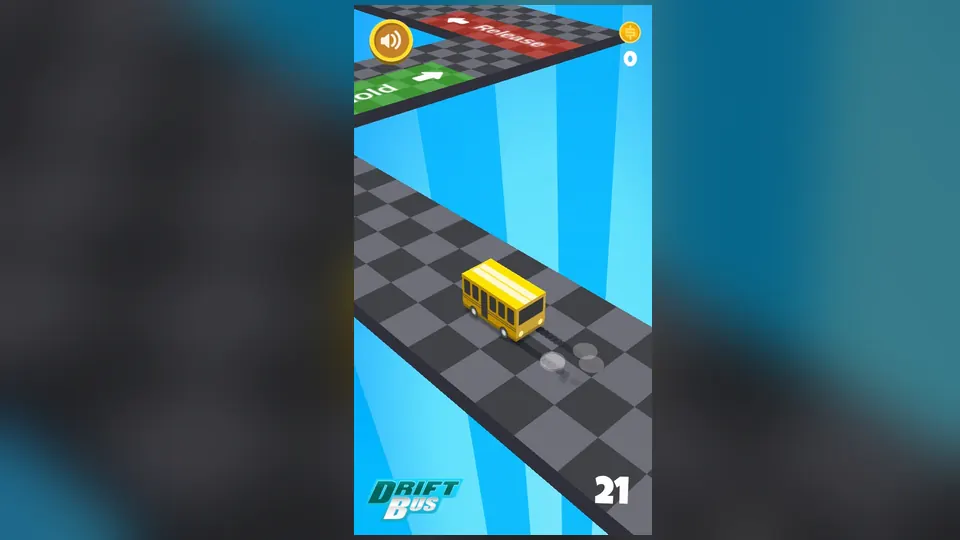
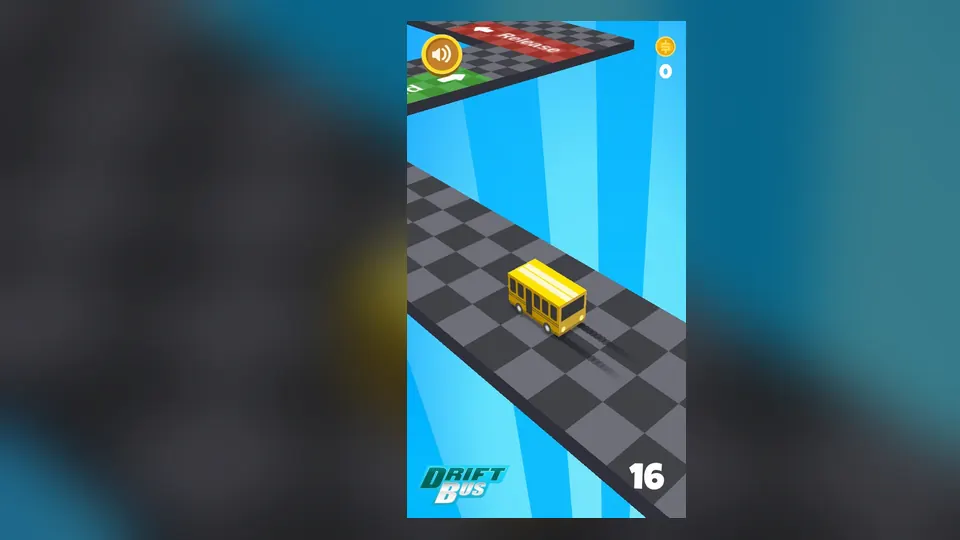
A yellow bus slides along a checkered floating track, leaving skid marks and puffs of smoke behind it. A score counter and a coin counter are shown on screen, along with the Drift Bus logo.
Where does the difficulty come from? Mostly from timing. The track has sharp corners, and the moment you press and the moment you let go decide how well you take each one.
How to play
- Press and hold on the screen as the bus reaches a green Hold tile.
- Keep holding while the bus skids around the corner.
- Let go when the bus reaches a red Release tile.
- Watch the track ahead and get ready for the next corner.
- Pick up coins as you go, and aim for a higher score.
Each corner is taken with the same two actions, hold and release. The coin counter keeps its own tally.
Controls
| Input | Action |
|---|---|
| Tap and hold (mouse or touch) | Makes the bus skid and turn into the corner |
| Release | Straightens the bus back along the track |
Tips
- Read the painted Hold and Release tiles early, because they show which action comes next.
- Let go decisively when the bus lines up with the track instead of holding on out of habit.
- Glance at the track ahead rather than only at the bus.
Screenshots
Our take
A phone is the natural device for it: the screen is portrait, and holding and releasing with a thumb feels direct, though a mouse button does the same job on a computer. On a short break it works well, because a run is easy to grasp and the score gives a clear number to beat. In a longer sitting the pattern stays the same, hold then release along a checkered track, so the interest rests on tighter timing and on how far you can push the score. That is also the limitation: there is only one action to master.
Frequently asked questions
What makes a run hard?
The track has sharp corners, and each one needs the right timing of your hold and release.
What controls does it use?
You tap and hold the screen to skid around the corners, and you let go when the bus reaches the red Release tile.
What are the green and red tiles on the track?
The green tile reads Hold and the red tile reads Release, and they show you when to press and when to let go.