Cars Driver
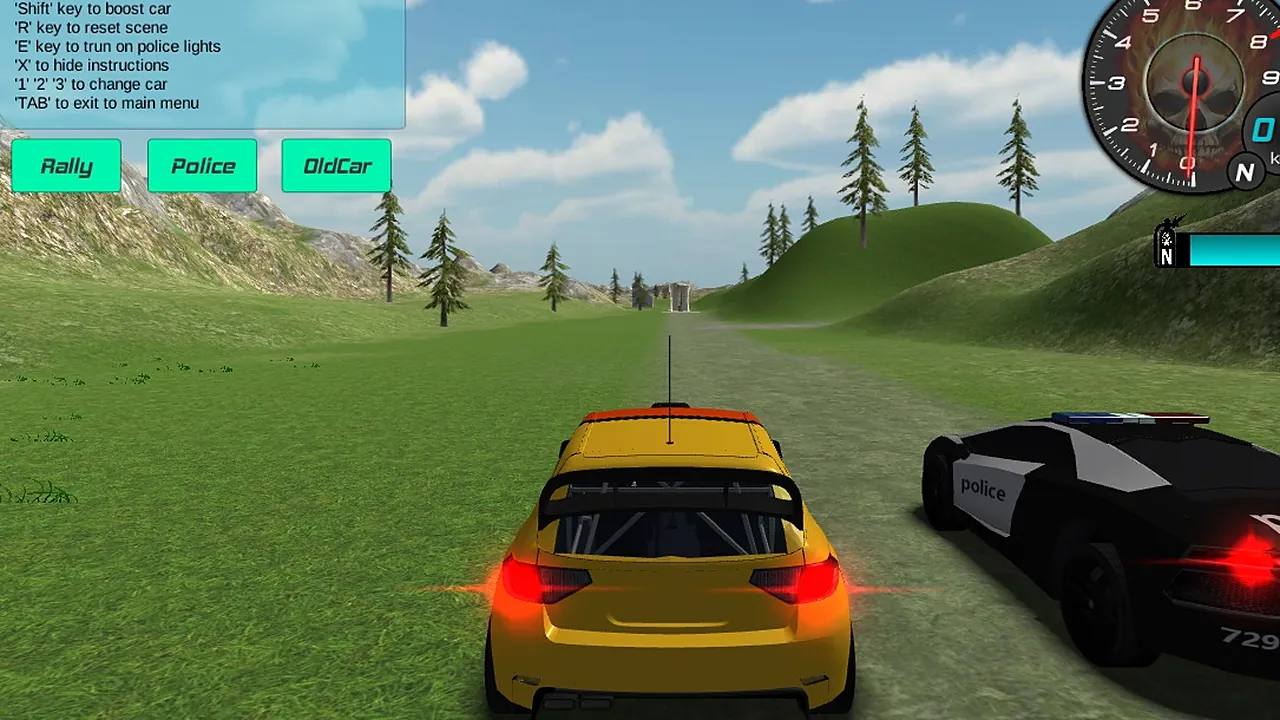
A player who likes to settle behind a car and simply drive it around open scenery will find the setup here easy to read. The view is a 3D chase camera: a yellow rally hatchback seen from behind, a dirt track running ahead between grass, pine trees and rolling hills, and a speedometer with a gear indicator in the top right corner.
The game offers several cars and several maps. Buttons labelled Rally, Police and OldCar sit on the left, and a black and white police car is drawn right beside the yellow one. A key list in the top left covers a handbrake, a boost, a camera switch and a scene reset, so there is more to play with than steering alone. The pace is yours to set.
How to play
The car on screen is yours to drive, with WASD or the arrow keys. The point is to handle it well across the grass and the dirt track, to try the other cars and maps, and to get a feel for how the handbrake and the boost change a run.
Choose a car with the buttons on the left or with keys 1, 2 and 3, then drive. Space holds the handbrake for sharper turns, Shift gives a boost, C changes the camera view and E turns on the police lights. If the car ends up somewhere awkward, R resets the scene. X hides the instruction panel, and Escape or Tab takes you back to the main menu.
Controls
| Input | Action |
|---|---|
| WASD or arrow keys | Drive the car |
| Space | Handbrake |
| Shift | Boost the car |
| C | Change the camera view |
| R | Reset the scene |
| E | Turn the police lights on |
| X | Hide the instructions |
| 1, 2, 3 | Change car |
| Tab or Escape | Quit to the main menu |
Tips
- Open with the camera. Press C until you find a view that shows both the car and the road ahead.
- Use the handbrake sparingly, on tight corners, and let go of it before you ask the car to accelerate again.
- Press X once you know the keys, so the instruction panel stops covering the sky and the edge of the track.
- Try each of the three cars on the same stretch of ground to see how each one feels.
Screenshots
Our take
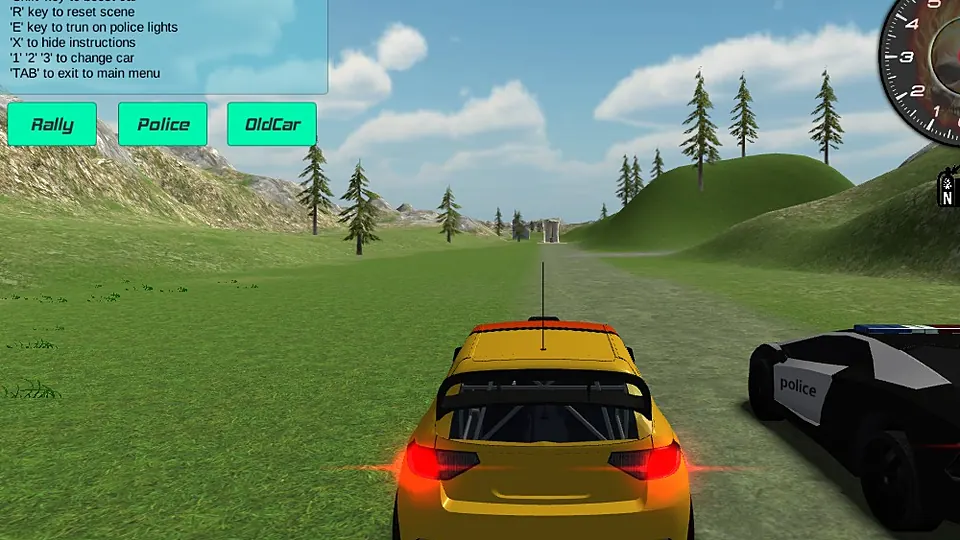
The look of the thing, a chase-camera car on an open hillside, matches what the controls offer: several cars, camera views, a handbrake and a boost. It will please the player who enjoys driving for its own sake and likes swapping cars and maps to see what changes. Anyone who wants rivals, a finish line to cross or touch controls should look elsewhere, because this one is built around a keyboard and open driving. A player who enjoys that kind of open-ended driving will be busy for a while.
Frequently asked questions
How do I control the car?
Drive with WASD.
How do I go back to the main menu?
Press Escape or Tab.
What does the game include?
It has several cars and several maps.