Bicycle Simulator
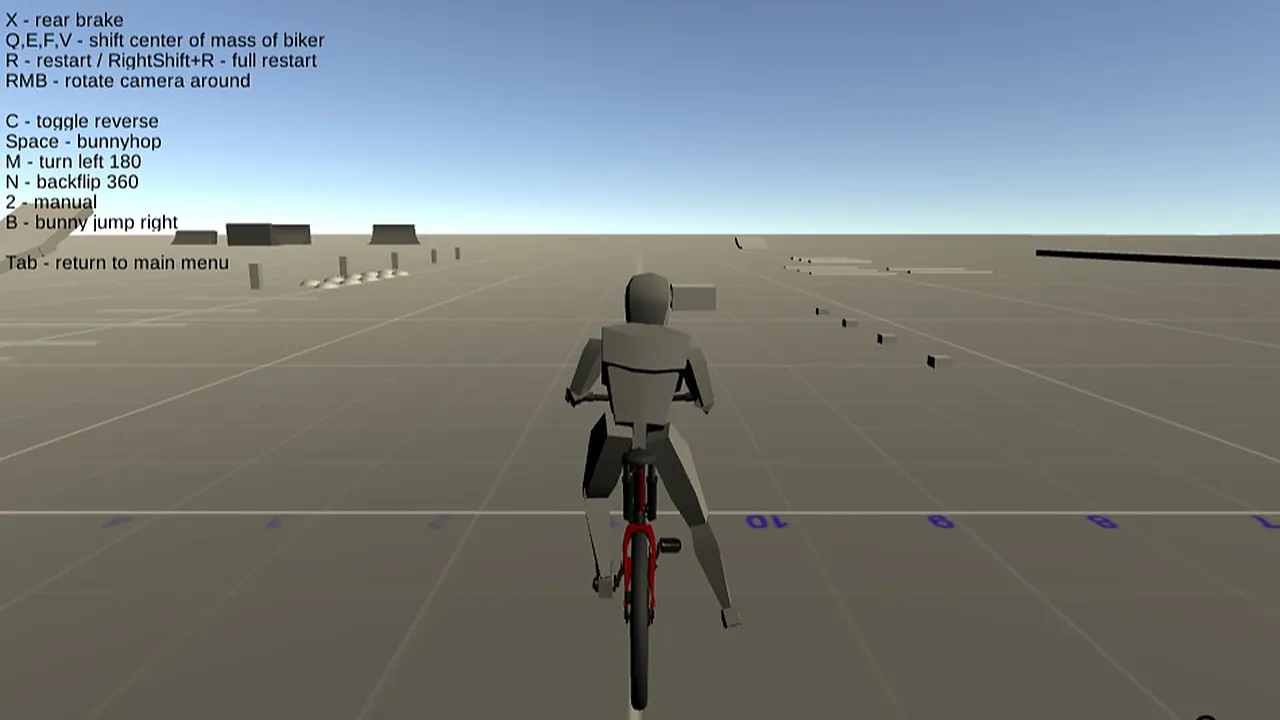
From behind, a blocky grey rider sits on a red bicycle, facing a wide grid-lined floor with ramps and low blocks scattered in the distance. A list of keys is printed across the sky and a counter in the bottom right corner reads 0. Nothing is chasing you. So where do you start?
The ride itself is a stunt playground. You steer with WASD or the arrow keys, brake with X, hop with Space and throw the bike into 180 turns or backflips with M and N. The camera follows from behind and can be swung around with the right mouse button, which helps when you want to size up a ramp before you hit it. There is no route to follow, so the fun is in learning how this bike behaves and what you can make it do.
How to play
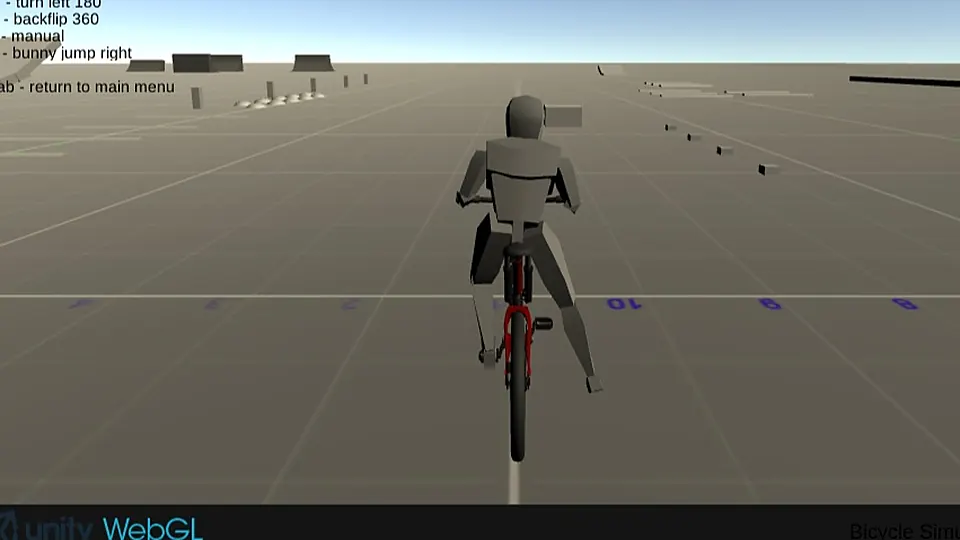
You see the rider from behind on a grid floor, with ramps ahead and a list of keys above the scene. The aim is to ride around and chain stunts together, using the keys to bunnyhop, turn and flip.
Ride out with WASD or the arrow keys and get a feel for the rear brake on X before you try anything bold. Head for a ramp, hop with Space, and try a backflip with N or a left 180 with M. C toggles reverse. If a trick goes wrong, press R to restart, or RightShift and R for a full restart.
Controls
| Input | Action |
|---|---|
| W A S D or arrow keys | Ride the bike |
| X | Rear brake |
| Space | Bunnyhop |
| B | Bunny jump to the right |
| M | Turn left 180 degrees |
| N | Backflip 360 |
| C | Toggle reverse |
| Q, E, F, V | Shift the rider's centre of mass |
| Right mouse button | Rotate the camera around |
| R | Restart |
| RightShift + R | Full restart |
| Esc | Return to the main menu |
Tips
- Spend the first minutes just riding and braking with X, so the bike feels familiar before you add tricks.
- Look at the ramp and the landing area ahead before you commit to a trick.
- Try B for a bunny jump to the right in an open stretch.
- Use R as soon as a run goes wrong instead of fighting a bad position.
Screenshots
Our take
This suits a short break better than a long sitting, because you ride, try a trick and restart within seconds. Players who like experimenting with a bike, trying a bunnyhop here and a backflip there, will find plenty of keys to learn and a quiet floor to practise on. The grey, low-detail look keeps the screen clear, so the rider and the ramps are easy to read. Anyone who wants races, checkpoints or a visible goal should look elsewhere, since this one is about riding and tricks on your own terms. It also needs a keyboard, with a lot of keys in play at once.
Frequently asked questions
Can I play Bicycle Simulator on a touch screen?
The controls are keyboard keys, such as WASD, X, Space, M and N. A computer with a keyboard is the way to play.
How long does a round last?
You ride freely on an open floor, so a session lasts as long as you keep riding. Press R to restart the ride or RightShift and R for a full restart whenever you want a fresh start.